DiskBoss Logo

Configure Sound Notifications

DiskBoss provides the ability to play notification sounds when a file management operation is started, completed or failed. In addition, the user is provided with the ability to enable, disable or customize all types of sound notifications.

In order to open the 'Notification Sounds' dialog, select the 'Tools - Notification Sounds' menu item. The 'Notifications Sounds' dialog shows all the available sound notifications and allows one to enable or disable specific sound notifications.

In order to select a custom notification sound file, click on a notification sound item in the sounds list and select a custom WAV file. In order to play a notification sound, select the required notification sound in the sounds list and press the 'Play' button.

DiskBoss News

2-Oct-2026

DiskBoss v17.1 adds the ability to load lists of directories to be analyzed from text files allowing one to fully automate the disk space analysis, file classification and file search operations. In addition, the new product version improves the conditional disk space analysis actions allowing one to automatically generate disk space analysis reports according to the user-specified conditions, improves the DiskBoss Server GUI application and fixes a number of bugs.

1-Jul-2026

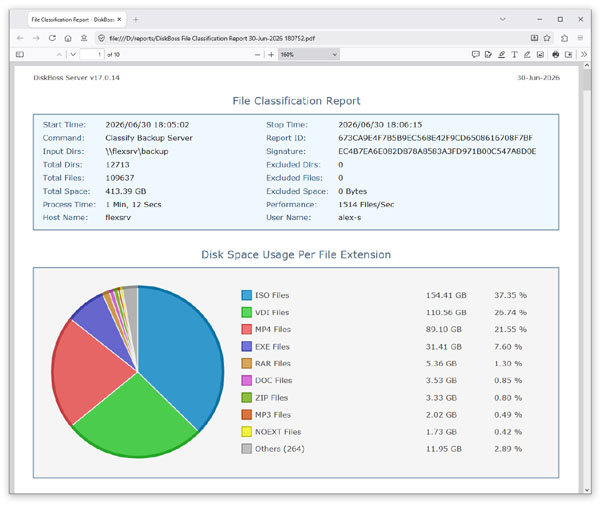
DiskBoss v17.0 redesigns all types of disk space analysis, file classification and duplicate files search progress dialogs. In addition, the new version redesigns the disk space analysis, file classification and file search reports, improves the fault tolerance of the disk space analysis operations and file classification operations, improves the DiskBoss Server GUI application and fixes a number of bugs.

More News